Ralph Wiggum: The Dumbest Smart Way to Run Coding Agents
Forget agent swarms and complex orchestrators. The secret to overnight AI coding is a bash for-loop. I break down the Ralph Wiggum technique and show you how to actually ship working code with long-running agents.
Part of the Coding Tools and AI Agents topic hubs.
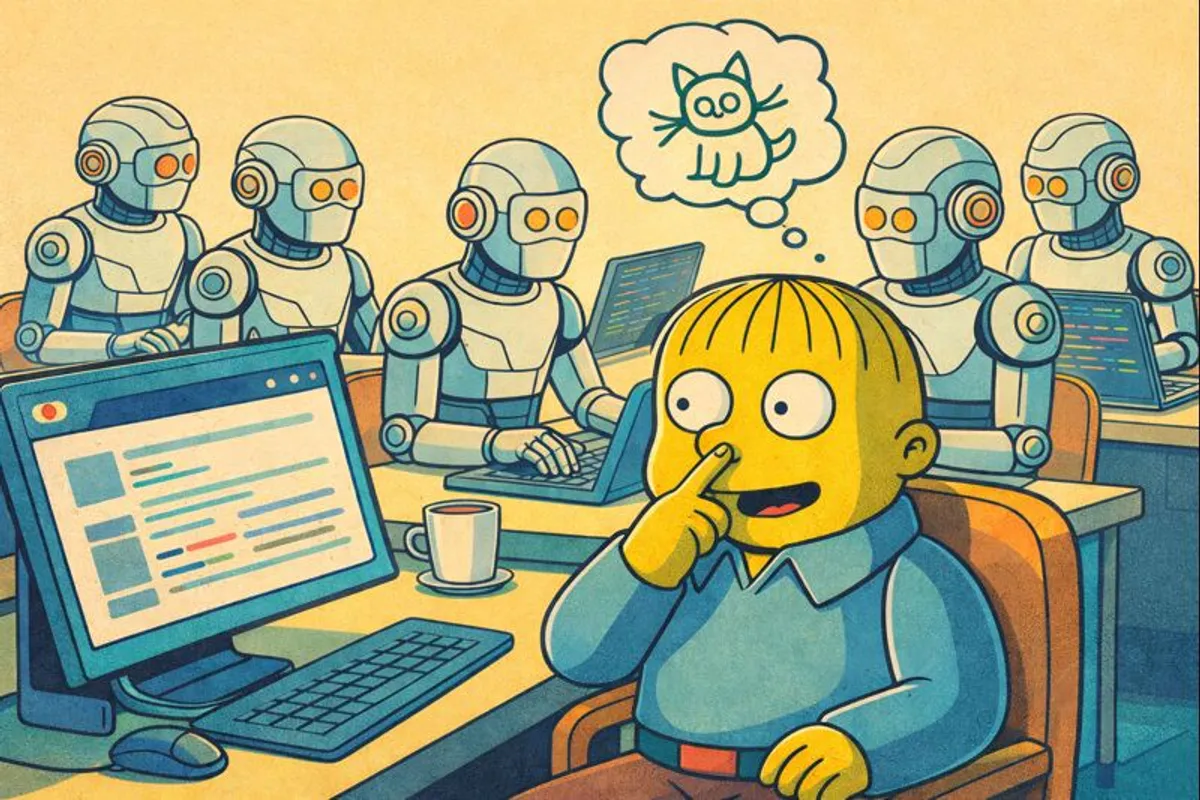
Table of Contents
I’ve spent the last year building increasingly elaborate systems to make coding agents work autonomously. Multi-agent orchestrators. Specialized sub-agents for different tasks. Complex handoff protocols. I even wrote a tutorial on building coding agents from scratch because I was so deep into the weeds.
Then I discovered that the answer might just be a for-loop.
The technique is called Ralph Wiggum, created by Geoffrey Huntley back in July 2025. It’s named after the Simpsons character known for being simple and persistent. That’s the whole philosophy: keep running the same thing over and over until it works.
Ralph is having a moment right now. Anthropic added an official plugin to Claude Code in December. Developers are reporting overnight runs that ship entire features. One person completed a $50,000 contract for under $300 in API costs. Geoffrey himself built an entire programming language called Cursed using nothing but Ralph loops over three months.
Why now? Because models like Opus 4.5 are finally good enough that brute-force simplicity actually works. All my elaborate orchestration was compensating for models that weren’t quite there yet.
The Core Idea
At its simplest, Ralph looks like this:
while true; do
  claude -p "$(cat PROMPT.md)"
done
That’s actually the entire technique. You write a prompt, run it, and when Claude finishes, you run it again with the exact same prompt. The key insight is that Claude’s previous work persists in the filesystem. Each iteration sees the code changes, git commits, and any notes from prior runs.
Think about what happens. First iteration, Claude reads your requirements, implements something, commits it. Second iteration, Claude reads the same requirements but now sees the existing code. It picks up where the last run left off or fixes what the last run broke. Third iteration, same thing. The loop keeps going until either everything is done or you hit a safety limit.
This works because modern models are good at understanding existing codebases. When Claude starts fresh but sees a half-implemented feature in the files, it can figure out what was intended and continue the work. The context window resets between iterations, but the code doesn’t.
Why Simple Beats Complex
I used to think autonomous coding required sophisticated orchestration. You need a planner agent to break down tasks. A coder agent to implement. A reviewer agent to check quality. A coordinator to manage handoffs. I built systems like this. They worked.
The problem is that every handoff is a potential failure point. The planner might misunderstand requirements. The coder might not get enough context from the plan. The reviewer might flag things that aren’t actually problems. Each agent has its own context window, its own interpretation, its own ways of going wrong.
Ralph eliminates all of that. No handoffs, no coordination, no state management between agents. The filesystem IS the state. Git IS the memory.
Anthropic’s research on long-running agents confirms this. They found that the key challenge is bridging context windows, and the solution isn’t more agents. It’s better use of files. A progress log. A feature checklist. Git history. Simple artifacts that any new context window can read to understand what came before.
Making It Actually Work
Running a naive loop will burn through API credits and produce inconsistent results. Here’s what I’ve learned about making Ralph reliable. (Many of these overlap with general AI coding patterns I’ve written about before.)
Define Done Precisely
The most important thing is a clear completion signal. Without it, Ralph just keeps running forever. Your prompt needs explicit criteria:
When the following are ALL true, output COMPLETE:
- All functions have unit tests
- Tests are passing
- No TypeScript errors
- README documents the API
I keep these criteria in a checklist file that Claude reads each iteration. Claude checks the list, works on whatever isn’t done, and only outputs the completion signal when everything passes.
Keep Individual Changes Small
Each iteration should do one thing because context windows have a quality curve.
Early in the window, Claude is sharp. As tokens accumulate (reading files, writing code, running commands), quality degrades. If you try to cram multiple features into one iteration, you’re working in the degraded part of the curve.
Small iterations also make debugging easier. If something breaks, you know exactly which commit caused it. With large iterations, you’re hunting through a web of changes.
Feedback Loops Are Non-Negotiable
Ralph only works if Claude can verify its own work. That means tests, type checking, linting, and whatever automated checks you have.
Without feedback, Claude will happily mark things complete that don’t actually work. Anthropic found this explicitly in their research: models tend to declare victory without proper verification. You need to force verification by making it part of the completion criteria.
My prompt always includes:
Before marking anything complete:
1. Run the test suite
2. Run type checking
3. Manually verify the feature works as expected

If any check fails, fix the issue before proceeding.
Set a Safety Limit
Always cap the number of iterations. Ralph can get stuck in loops, thrashing on the same problem without making progress. Without a limit, it’ll burn through your API budget trying.
I usually start with 20 iterations for small tasks, 50 for larger ones. If Ralph hasn’t finished by then, something is wrong with the task definition and I need to intervene.
for i in $(seq 1 50); do
  claude -p "$(cat PROMPT.md)"
  # Check for completion signal, break if found
done
The Progress File Pattern
One technique I picked up from Anthropic’s research is the progress file. It’s a simple text file where Claude logs what it did each iteration:
## Iteration 1
- Set up project structure
- Created initial database schema
- TODO: API endpoints not started yet

## Iteration 2
- Implemented GET /users endpoint
- Added input validation
- Tests passing
When a new iteration starts, Claude reads this file to understand the current state. It’s like leaving notes for yourself. Except “yourself” is a fresh context window with no memory of what happened before.
Like that movie where that guy can’t remember what happened and keeps finding notes from himself. What’s it called?
Anyway, this file also helps you understand what Ralph is doing. When I check in on a running loop, the progress file tells me immediately whether things are on track or going sideways.
When To Use Ralph
Ralph works best for tasks with clear, verifiable completion criteria.
Good candidates:
- Refactoring (migrate from X to Y, done when tests pass)
- Adding test coverage (done when coverage hits threshold)
- Documentation (done when all public APIs are documented)
- Implementing well-specified features (done when acceptance criteria met)
- Batch transformations (convert all components to new pattern)
Poor candidates:
- Exploratory work where you don’t know what you’re building
- Design decisions that require human judgment
- Security-sensitive code that needs careful review
- Anything where “done” is subjective
The common thread is objectivity. If you can write a script to check whether the task is complete, Ralph can probably do it. If completion requires a human looking at it and deciding “yeah, that feels right,” you need a human in the loop.
Running Your First Loop
If you want to try this, here’s my suggested approach.
Don’t run overnight loops immediately. Start with single iterations manually, review the output, then run again. Get a feel for how Claude interprets your prompt and whether it’s making progress.
Use the official plugin if you’re on Claude Code. It handles the loop mechanics and adds some safety features:
/plugin install ralph-wiggum@claude-plugins-official
/ralph-loop "Your task" --max-iterations 20 --completion-promise "DONE"
Pick something low-stakes for your first real loop. Not a critical feature. Maybe adding tests to an existing module, or documentation for an API. Something where failure is annoying but not catastrophic.
Watch your costs. A 50-iteration loop can run $50-100 depending on how much context each iteration consumes. Start small until you understand the economics.
The Philosophy Shift
What I find interesting about Ralph is how it changes your relationship with the AI.
Traditional (for lack of a better term) prompting is directive. You tell the model exactly what to do, step by step. You’re the architect, the model is labor.
Ralph is more like setting conditions for emergence. You define what success looks like, provide the tools for verification, and let the model figure out how to get there. You’re less architect, more gardener. Plant the seeds, provide water and sunlight, let things grow.
Geoffrey Huntley describes it as “deterministically bad in an undeterministic world.” Each individual iteration might produce garbage. But run enough iterations with clear success criteria, and the model eventually converges on something that works. Failures are predictable, and predictable failures can be fixed by tuning the prompt.
This requires a different kind of trust. Trust that the model will eventually figure it out, even if the path is messy. Trust in the feedback loops to catch problems. Trust in the safety limits to prevent runaway costs.
After a year of building complex orchestration systems, there’s something refreshing about a for-loop. Not because simple is always better. But because, with good enough models, simple can finally be enough.
Related Posts
Claude Cowork: A Guide To Getting AI To Work For You
Cowork turns Claude from a chatbot into an agent that actually does work. I built my own version called Jarvis and here's what I learned.

The Vibe Coders' Stack: All The Tools You Need to Ship
A comprehensive guide to every tool in the modern vibe coder's arsenal. From AI coding assistants to deployment platforms, databases to payments, here's how to build your shipping machine.

Factory.ai: A Guide To Building A Software Development Droid Army
Factory doesn't just write code—it brings a droid army of specialized agents for engineering, reliability, product, and knowledge work. Meet your new team.